
Fulton County Schools Office 365 Student Guide

This guide explains how Fulton County School students can access and use Office 365 on computers and mobile devices via ClassLink, the web, or desktop apps.
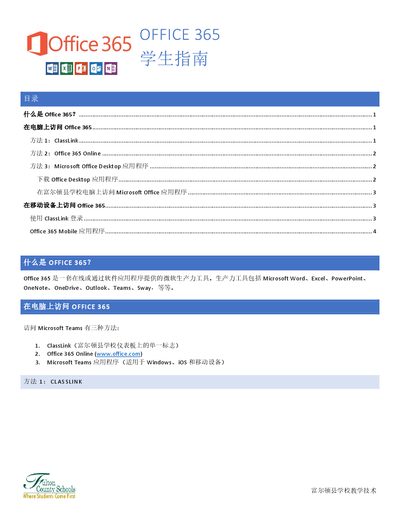

Fulton County Schools Office 365 Student Guide - cover page
Brand
Microsoft
Category
Other software
Document type
User Manual
Language
Chinese
Pages
4
File format
PDF
File size
467 KB
Published
15 October, 2026
Updated
15 October, 2026
MD5 checksum
AB52188DCA8D8BB18000E21066B5E6A1

About this manual

This document serves as a student guide for Fulton County Schools regarding the use of Microsoft Office 365. It outlines the various productivity tools included in the suite, such as Word, Excel, PowerPoint, OneNote, OneDrive, Outlook, Teams, and Sway. The guide provides step-by-step instructions for accessing these tools on both desktop computers and mobile devices. This manual is written in Chinese.

What's inside

  • What is Office 365?
  • Accessing Office 365 on Computers
  • Accessing Office 365 on Mobile Devices
  • Using ClassLink
  • Using Office 365 Online
  • Installing Desktop Applications

Frequently asked questions

What is the default password for students?

The default password is the student's date of birth without any special characters (mmddyyyy).

What is the format for a student's email address?

The email address format is studentid#@fcstu.org, for example, [email protected].

Download PDF (467 KB)

More Microsoft Manuals


View all Microsoft manuals →