
A French user guide covering the interface, project management steps, tools, and compatibility features of Microsoft Project 2013.
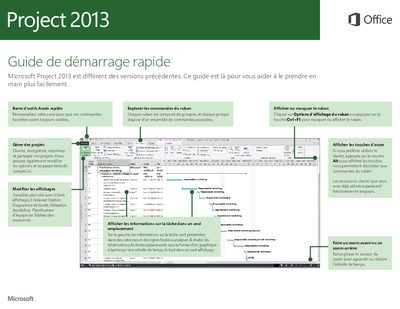
This guide introduces the new interface of Microsoft Project 2013, explaining how to customize the Quick Access Toolbar and Ribbon, manage views, and use keyboard shortcuts. It details the four main steps of project management: planning tasks, creating a schedule, tracking progress, and collaborating with teams via SharePoint and Lync. This manual is written in French.
Click on Ribbon Display Options or press the Ctrl+F1 key to hide or show the ribbon.
You need a computer running Windows 7 or a later version to access Project Online.
The project opens in Project 2013, but the [Compatibility Mode] label appears on the title bar.