
The MicrodermMD Home Microdermabrasion System User Manual provides setup, safety, operation, cleaning, and troubleshooting instructions.
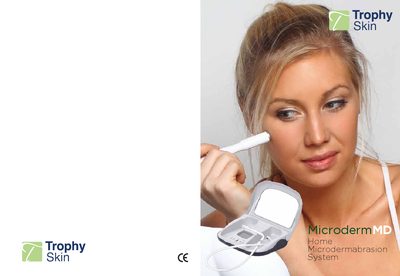
The manual introduces the MicrodermMD Home Microdermabrasion System, describing its triple‑action components – a vacuum suction motor, a diamond tip, and a blackhead extraction tip – and outlines the benefits for skin tone, texture, and fine lines. It also lists the items included with the device and the key specifications.
Detailed sections cover safety precautions, step‑by‑step operating instructions, recommended treatment protocols for face and body, cleaning and maintenance of the diamond tip and filter, troubleshooting tips, warranty information, and a medical disclaimer clarifying that the device is a cosmetic treatment.
| Weight | 1.3 kg |
|---|---|
| Input Power | AC Single Phase 100‑220 V |
| Frequency | 60 Hz |
| Power Consumption | 13 W |
Plug the power adaptor into the back of the unit, then press the “Start/Stop” button; the red light above the Power button will illuminate.
Ensure the power adaptor is securely plugged into the unit and the wall outlet, and check that the power‑indicator light is on; contact support if the problem persists.
Clean the Diamond Tip with an ultrasonic cleaner every few months; you can do this at home or have a jewelry store clean it for you.