
This manual explains how to connect, diagnose, and configure Bluetooth‑enabled EasyStart soft‑starters using the EasyStart app.
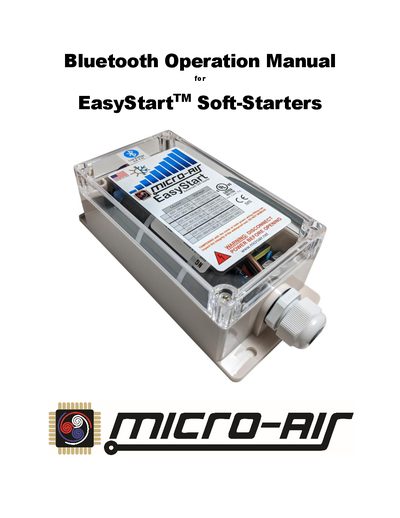
The EasyStart Bluetooth Diagnostic Manual provides step‑by‑step instructions for qualified HVAC technicians to use the Bluetooth interface of EasyStart soft‑starters. It covers connection procedures, app setup, troubleshooting, and how to access diagnostic data such as status, live current, and fault information.
Key sections include identifying Bluetooth models, connecting via the EasyStart app, using the Status, Re‑learn, Diagnose, Faults, and Update tabs, performing a factory reset (re‑learn), and bypassing power‑up delays. Appendices list additional Micro‑Air resources and contact information.
| Live Current Threshold | <2 A |
|---|---|
| Default SCPT Delay | 3 minutes |
| SCPT Adjustable Range | 1‑10 minutes |
Bluetooth models have a “‑BLUE” suffix, a Bluetooth sticker on the lid, or a visible Bluetooth chip on the circuit board.
The default SCPT delay is 3 minutes, and it can be set between 1 and 10 minutes.
Select the Update tab in the app, tap “Check for Updates”, and follow the prompts to install any available firmware.