
Key facts
- Manuals
- 1
- Languages
- EN
- Last added
- 2026-10-06
Featured MICRO-AIR manuals
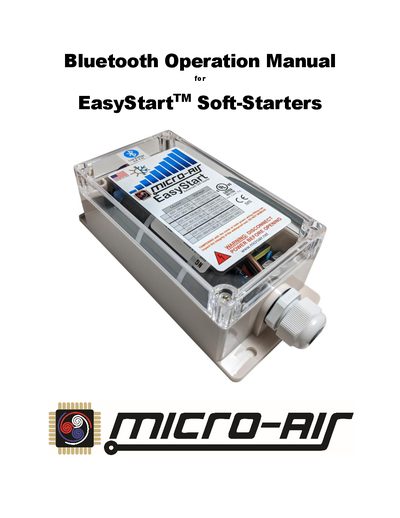
Micro-Air EasyStart Bluetooth Diagnostic Manual
The EasyStart Bluetooth Diagnostic Manual provides step‑by‑step instructions for qualified HVAC technicians to use the Bluetooth interface of EasyStart soft‑starters. It covers connection procedures, app setup, troubleshooting, and how to access diagnostic data such as status, live current, and fault information.
Key sections include identifying Bluetooth models, connecting via the EasyStart app, using the Status, Re‑learn, Diagnose, Faults, and Update tabs, performing a factory reset (re‑learn), and bypassing power‑up delays. Appendices list additional Micro‑Air resources and contact information.
Covers: Introduction · Is my EasyStart a Bluetooth Model? · Connecting to EasyStart · Download the App · Status Tab · Re‑learn Tab
Latest MICRO-AIR manuals
Micro-Air EasyStart Bluetooth Diagnostic Manual
User Manual 12 pages · 985 KB · ENThis manual explains how to connect, diagnose, and configure Bluetooth‑enabled EasyStart soft‑starters using the EasyStart app.
Which document do I need?
User Manual
Day-to-day operation, settings and troubleshooting. Start here if the product is already set up.
Questions answered in MICRO-AIR manuals
How can I tell if my EasyStart is a Bluetooth model?
Bluetooth models have a “‑BLUE” suffix, a Bluetooth sticker on the lid, or a visible Bluetooth chip on the circuit board.
What is the default Short‑Cycle Prevention Timer (SCPT) delay?
The default SCPT delay is 3 minutes, and it can be set between 1 and 10 minutes.