
User manual for the W2RS NM-5513 analog temperature resistance converter, covering installation, electrical connections, adjustment, and maintenance.
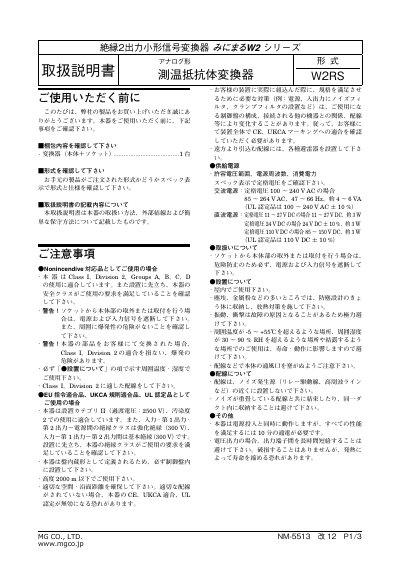
This is the user manual for the W2RS NM-5513 analog temperature resistance converter by MG CO., LTD. It provides instructions for installation, electrical connections, adjustment procedures, and maintenance. The manual includes safety precautions, environmental conditions, wiring guidelines, and calibration steps. It also specifies electrical ratings and compliance with safety standards such as Class I, Division 2 for hazardous environments and CE/UKCA/UL certification.
The device is designed for mounting in control panels and requires proper ventilation and environmental conditions to ensure safe and reliable operation. The manual includes diagrams for mounting on DIN rails or walls, terminal connections, and adjustment procedures for zero and span calibration. It also covers troubleshooting and warranty information. This manual is written in Japanese.
| Input Signal Type | Temperature Resistance |
|---|---|
| Operating Temperature | 5 to 55°C |
| Humidity | 30 to 90% RH |
| Mounting Type | Panel Mount |
The operating temperature range is 5 to 55°C.
To calibrate, set the simulated input signal to 0% and adjust the ZERO setting to 0%. Then set the simulated input signal to 100% and adjust the SPAN setting to 100%. Repeat steps 1–3 to confirm the ZERO output.