
User manual for MG CO., LTD.'s 26R1 signal conditioner, covering installation, wiring, calibration, and maintenance.
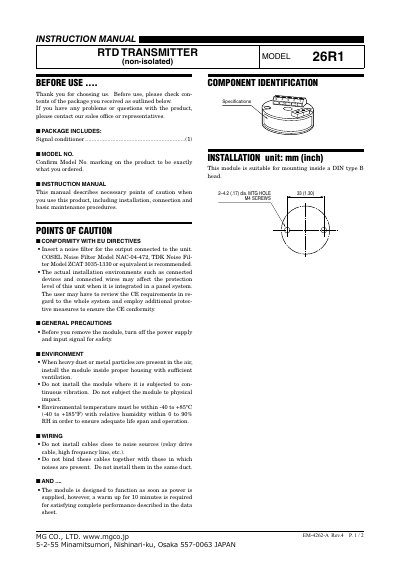
This manual provides instructions for installing, wiring, calibrating, and maintaining the MG CO., LTD. 26R1 signal conditioner. It includes safety precautions, environmental requirements, wiring guidelines, and adjustment procedures. The device is designed for DIN rail mounting and features RTD transmitter functionality. Calibration is factory-set but can be adjusted for specific applications or periodic maintenance.
The manual also addresses compliance with EU directives, including recommendations for noise filters and surge protection. Users are advised to warm up the unit for 10 minutes before operation and to check wiring and load resistance to ensure proper performance.
| Model Number | 26R1 |
|---|---|
| Mounting Type | DIN type B head |
| Input Type | RTD transmitter (non-isolated) |
| Output Signal | 4–20mA DC |
| Operating Temperature | -40 to +85°C (-40 to +185°F) |
The model number is 26R1.
Warm up for at least 10 minutes to ensure complete performance.
COSEL Noise Filter Model NAC-04-472 or TDK Noise Filter Model ZCAT 3035-1330 is recommended.
Apply 0% input and adjust output to 0%, then apply 100% input and adjust output to 100%. Recheck ZERO after adjustment.