
Mercury MCAP1900GP wireless ceiling AP (PoE) installation guide: ceiling/wall mounting, FAT/FIT switching, PoE connection, and Web login at melogin.cn.
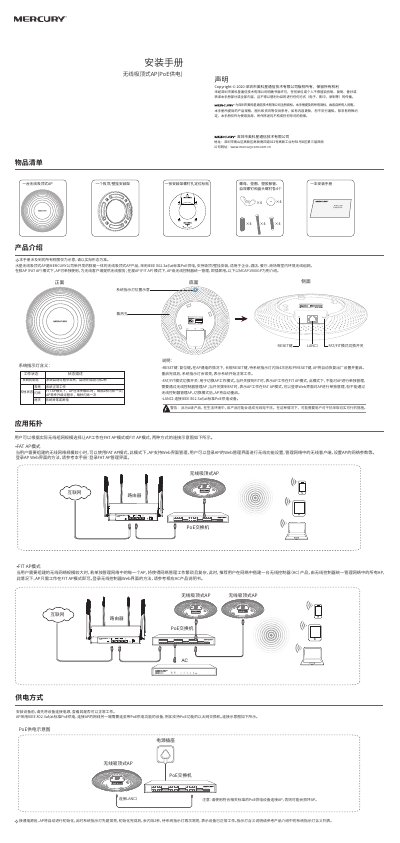
This is the installation manual for the Mercury wireless ceiling AP (PoE), an indoor fat/thin integrated access point that uses IEEE 802.3af/at PoE and supports ceiling or wall mounting for wireless networking in enterprises, hotels, restaurants, and malls. The manual uses the MCAP1900GP as an example. In FAT AP mode the unit works alone and is managed through its Web interface; in FIT AP mode it is managed by a wireless controller (AC).
It lists the package contents, describes the front, side, and bottom controls (RESET button, FAT/FIT switch, LAN port), and explains the system indicator states. The guide covers ceiling mounting (ceiling under 18 mm thick and able to bear at least 5 kg) and wall mounting, with precautions such as keeping the device dry and powered off before cleaning. FAT AP Web login is performed at melogin.cn using IE 8.0 or later, Firefox, or Chrome. This manual is written in Chinese.
| PoE standard | IEEE 802.3af/at |
|---|---|
| Ceiling thickness limit | Under 18 mm |
| Ceiling load capacity | At least 5 kg |
| Ceiling screw hole diameter | 4 mm |
| Ceiling cable hole diameter | 10 mm |
| Wall drill hole diameter | 6 mm |
It is powered through the LAN port using IEEE 802.3af/at PoE, for example from a PoE Ethernet switch.
With the AP powered on, press and hold the RESET button until the system indicator flashes four times, then release; the AP restores factory settings and restarts.
Open a browser and enter melogin.cn in the address bar, then set a user name and password on first login.