
The MeikeXing MW310RE Wireless Extender User Manual provides setup steps, LED indicator meanings, and troubleshooting guidance.
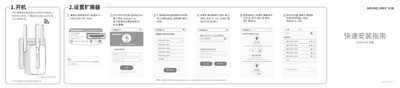
This manual explains how to install and configure the MeikeXing MW310RE wireless extender. It covers initial power‑on, connecting to the existing Wi‑Fi network, and customizing the extender’s SSID and password via the web interface at melogin.cn.
It also describes LED status indicators, optimal placement tips, how to perform a factory reset, and answers common questions such as troubleshooting connection issues and interpreting indicator lights. This manual is written in Chinese.
| Input Voltage | 100-240V~ |
|---|---|
| Frequency | 50/60Hz |
| Current | 0.3A |
Press and hold the Reset button on the bottom for about 5 seconds until the LED flashes green, then release the button.
Log into the management page at melogin.cn, select “More Settings”, and edit the network name and password as desired.