
A user guide for creating custom fixture libraries in the MCS FreeStyler lighting software, covering channel configuration, gobo settings, and color wheels.
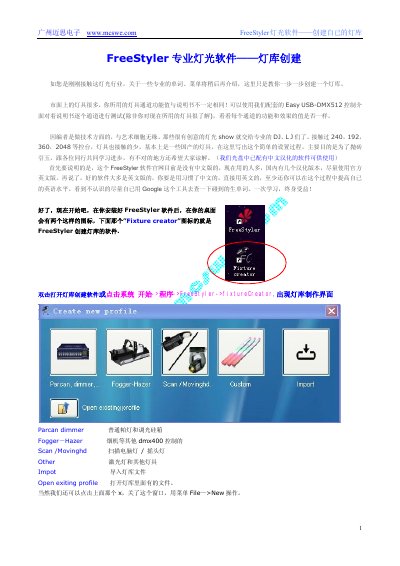
This manual provides step-by-step instructions for creating custom fixture libraries using the MCS FreeStyler software. It is designed for beginners and covers the process of defining fixture parameters such as manufacturer, name, and total channel count. The guide emphasizes the importance of testing actual hardware channels against the software settings, as manufacturer specifications often differ from reality. This manual is written in Chinese.
The file extension for fixture files is .Fxt.
Fixture files are saved by default in the folder C:\FreeStyler\Fixtures.
The recommended image format for fixture pictures is 32x32 resolution BMP.
Yes, the official website does not have a Chinese version, but there are several Chinese localized versions available in China.