
Quick start guide for installing and activating the McAfee Network Security Platform M-8000XC Sensor and connecting it to an XC-240 load balancer.
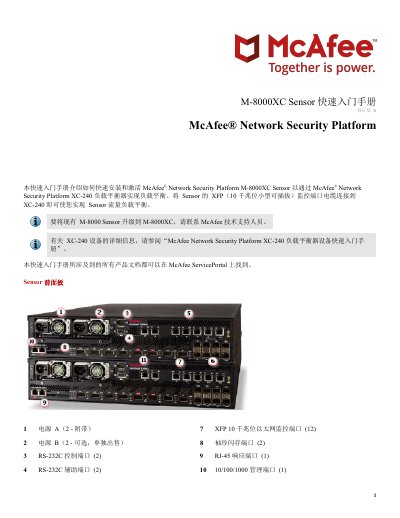
This Quick Start Guide explains how to install and activate the McAfee Network Security Platform M-8000XC Sensor for load balancing through the McAfee Network Security Platform XC-240 load balancer. It covers positioning the Sensor, connecting management and console ports, connecting XFP monitoring ports to the XC-240, and connecting interconnect ports between the primary and secondary Sensors.
The guide then describes adding the Sensor to the Manager, configuring Sensor network and shared-secret settings through the CLI, and verifying successful installation and communication. It also notes console settings, default credentials, and related McAfee documentation available on the ServicePortal. This manual is written in Chinese.
| Management port | 1 x 10/100/1000 |
|---|---|
| XFP 10 Gigabit Ethernet monitoring ports | 12 |
| SFP 1 Gigabit Ethernet monitoring ports | 16 |
| Console baud rate | 38400 |
| Console flow control | None |
The default login ID is admin and the default password is admin123.
The console connection uses a baud rate of 38400.
The Sensor can take up to 5 minutes to complete a reboot.
A Sensor name can contain up to 25 characters.