
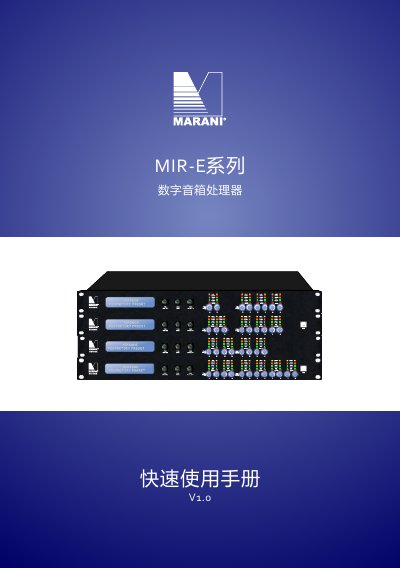
Quick start guide for the Marani MIR-E Series digital speaker processor, covering panels, PC software connection, presets, and user settings.
The MIR-E Series digital speaker processor has cascaded input and output processing chains. Input processing includes gain, delay, noise gate, dynamic loudness, filters, and an RMS compressor; output processing includes gain, delay, polarity, filters, RMS compression, and peak limiting.
The guide covers the front and rear panels, FIR and MIR linear-phase IIR filters, connecting to PC control software over USB, RS485, or Ethernet, preset management, administrator and user settings, and backup and restore. This manual is written in Chinese.
| Maximum Analog Input Level | +20 dBu |
|---|---|
| Input Impedance | 20 kΩ |
| Maximum Analog Output Level | +18 dBu |
| Minimum Output Load | 100 Ω |
| FIR Filter Length | Up to 512 taps per FIR filter |
| Control Ports | USB, RS485, Ethernet |
| Display | 2 × 24 alphanumeric display |
| Power Input | Standard C13 interface |
| Default IP Configuration | DHCP automatic acquisition |
| RS485 Interface | 1 input and 1 output |
The maximum analog input level is +20 dBu.
Each FIR filter can use up to 512 taps.
The default administrator password is 111111.
Use a Cat5/6 network cable from the processor's ETHERNET port to the computer's network adapter.