
This manual describes the functions of the front panel control buttons and encoders for the Marani LPP-440A speaker processor, covering system settings…
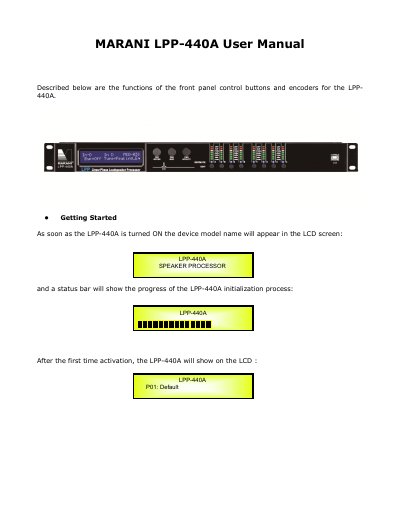
The Marani LPP-440A is a speaker processor equipped with three relative encoders (PM1, PM2, and PM3) and several buttons for navigating the user interface and editing parameters. The device features an LCD screen that displays the model name and initialization progress upon startup.
| Input Source | 4 Analog Inputs (Balanced Female XLR) and 2 AES Digital Input (RCA connector) |
|---|---|
| Firmware Version | 3.1.9 |
Use the three relative encoders (PM1, PM2, and PM3) to navigate and edit sections, and the ENTER and ESC buttons to confirm or cancel operations.
The default input source is Analog input.
Push the UTILITY button to enter the Sub-menus and set general characteristics of the Processor.