
The MakerGear M3 3D Printer User Manual covers setup, software, operation, maintenance, and warranty for the MakerGear M3 desktop 3D printer.
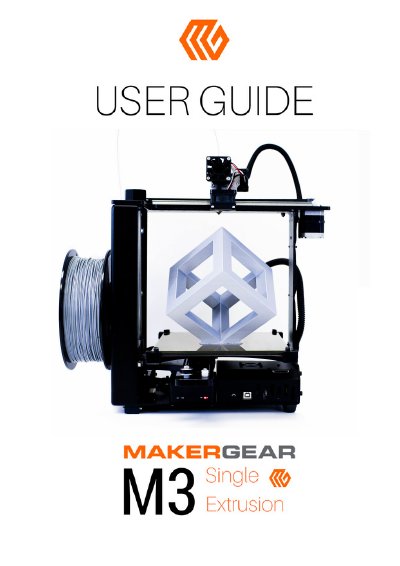
This user manual guides owners through setup and operation of the MakerGear M3 3D Printer. It includes important safeguards, a list of included items, hardware setup steps, and information about nozzles and filament.
The booklet also explains software setup with OctoPrint for MakerGear, changing filament, printer features, shutdown and reset procedures, maintenance and storage, warranty coverage, and support contact details.
| Input voltage settings | 115 V (for 100–130 V) and 230 V (for 220–240 V) |
|---|---|
| Included filament | 1 kg spool of 1.75 mm black PLA |
| Included nozzle size | 0.35 mm |
| M3 warranty period | Twelve-Month Non-Transferrable Limited Warranty |
| Hot end warranty period | Six-Month Non-Transferrable Limited Warranty |
The power supply has two settings: 115 V for 100–130 V outlets and 230 V for 220–240 V outlets.
No. Attempting to unscrew the nozzle directly will damage the hot end; the entire hot end must be removed first.
New M3s ordered from MakerGear or an authorized distributor have a twelve-month non-transferrable limited warranty.
The package includes a 1 kg spool of 1.75 mm black PLA, though the color may vary.