
Key facts
- Manuals
- 1
- Languages
- EN
- Last added
- 2026-11-23
Featured MAKERGEAR manuals
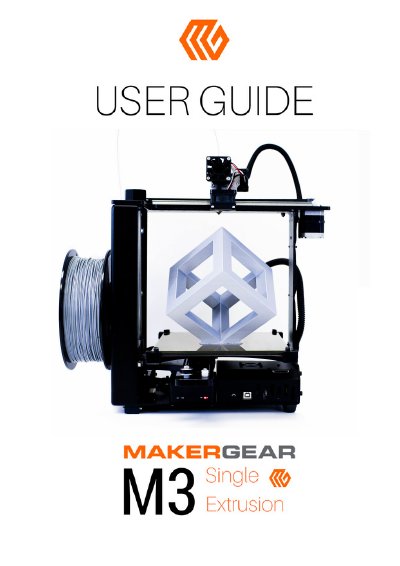
MakerGear M3 3D Printer User Manual
This user manual guides owners through setup and operation of the MakerGear M3 3D Printer. It includes important safeguards, a list of included items, hardware setup steps, and information about nozzles and filament.
The booklet also explains software setup with OctoPrint for MakerGear, changing filament, printer features, shutdown and reset procedures, maintenance and storage, warranty coverage, and support contact details.
Covers: Welcome · Important Safeguards · What's Included · Hardware Setup · A Note About Nozzles · Software Setup
Latest MAKERGEAR manuals
MakerGear M3 3D Printer User Manual
User Manual 20 pages · 6 MB · ENThe MakerGear M3 3D Printer User Manual covers setup, software, operation, maintenance, and warranty for the MakerGear M3 desktop 3D printer.
Which document do I need?
User Manual
Day-to-day operation, settings and troubleshooting. Start here if the product is already set up.
Questions answered in MAKERGEAR manuals
What voltage settings are available on the power supply?
The power supply has two settings: 115 V for 100–130 V outlets and 230 V for 220–240 V outlets.
Can the nozzle be unscrewed directly from the M3?
No. Attempting to unscrew the nozzle directly will damage the hot end; the entire hot end must be removed first.