
This manual provides instructions for setting up, configuring network connections, and upgrading the firmware of the Magpowr Spyder-LC device.
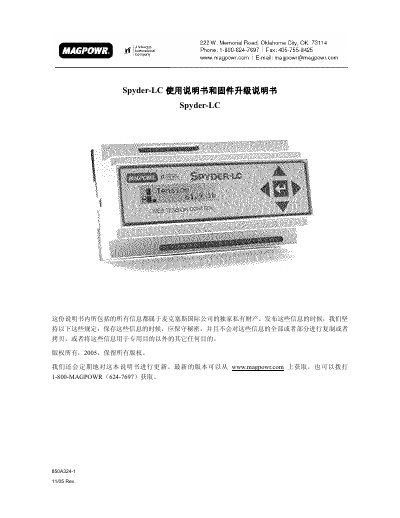
The Magpowr Spyder-LC is a device that can be configured and upgraded via a local computer or a remote FTP server. The manual details the process of installing the necessary FTP server software on a local machine to facilitate the firmware update procedure. This manual is written in Chinese.
Press the Right and Up keys while turning on the power and hold them for at least 6 seconds.
The default IP address for the Spyder on the subnet is 192.168.1.100.
The username is ftpmag.ftpusers and the password is fghj5678.