
This LSIS DriveView v3.0 user manual explains how to install and use the Windows-based drive commissioning tool for LSIS AC drives.
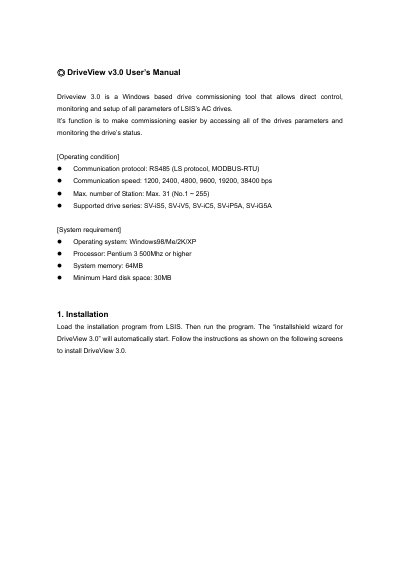
DriveView v3.0 is a Windows-based drive commissioning tool that allows direct control, monitoring, and setup of all parameters of LSIS AC drives. It supports RS485 communication using LS protocol or MODBUS-RTU, and works with drive series SV-iS5, SV-iV5, SV-iC5, SV-iP5A, and SV-iG5A.
The manual covers installation, the main window, keypad, online and offline parameter editing, report view, graph monitor, and trigger or record setup. System requirements are Windows 98/Me/2K/XP, a Pentium 3 500 MHz or higher processor, 64 MB memory, and 30 MB of hard disk space.
| Operating system | Windows98/Me/2K/XP |
|---|---|
| Processor | Pentium 3 500Mhz or higher |
| System memory | 64MB |
| Minimum Hard disk space | 30MB |
| Communication protocol | RS485 (LS protocol, MODBUS-RTU) |
| Communication speed | 1200, 2400, 4800, 9600, 19200, 38400 bps |
| Max. number of Station | Max. 31 (No.1 ~ 255) |
| Supported drive series | SV-iS5, SV-iV5, SV-iC5, SV-iP5A, SV-iG5A |
It supports Windows98/Me/2K/XP.
It supports SV-iS5, SV-iV5, SV-iC5, SV-iP5A, and SV-iG5A.
It can display the previous 200 faults.
It uses RS485 with LS protocol and MODBUS-RTU.