
This document is the user manual of LSIS XGI CPU module, which mainly introduces the usage method, precautions and safety instructions of the module.
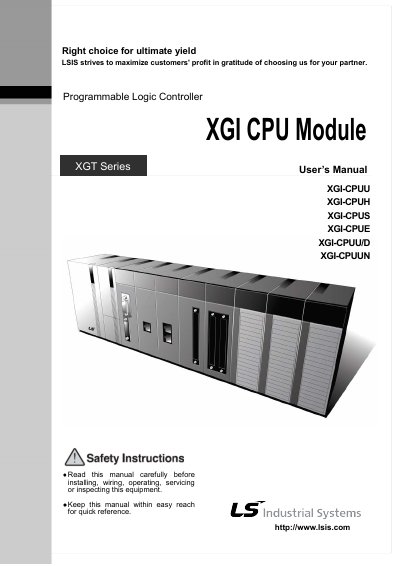
This manual provides comprehensive instructions for the LSIS XGI Series Programmable Logic Controller (PLC) CPU modules. It covers safety guidelines, system configuration, and general specifications for various models including XGI-CPUU, XGI-CPUH, XGI-CPUS, XGI-CPUE, XGI-CPUU/D, and XGI-CPUUN. The document serves as a guide for correct installation, wiring, operation, and servicing of the equipment to ensure safe and effective use.
| Product Type | Programmable Logic Controller |
|---|---|
| Supported Models | XGI-CPUU, XGI-CPUH, XGI-CPUS, XGI-CPUE, XGI-CPUU/D, XGI-CPUUN |
Ensure that the PLC power is turned off before installing the module to prevent electric shock or damage.
Keep any wireless installations or cell phone at least 30cm away from the PLC to prevent abnormal operation.
I/O signals or communication lines must be wired at least 100mm away from a high-voltage cable or power line.
If a system error such as a watch-dog timer error is detected, the whole output is designed to be turned off and stopped.