
This manual explains how to create, configure, and manage RAID arrays using the LSI 9260-8I controller.
The guide walks users through entering the RAID management interface, handling existing configurations, and using the Configuration Wizard to set up new RAID arrays. It covers disk selection, RAID level choices, strip size, access policies, and virtual disk settings.
Additional sections describe advanced RAID types (RAID10, RAID50, RAID60), background initialization options, error handling, and how to rebuild a degraded array after a disk failure. This manual is written in Chinese.
| LED indicators | Blue (on), Red/Green (off) |
|---|---|
| Default strip size | 64 KB |
| Minimum disks for RAID0 | 1 |
| Minimum disks for RAID5 | 3 |
| Write Through mode | Direct write (default) |
| Always Write Back mode | Cache write‑back (default) |
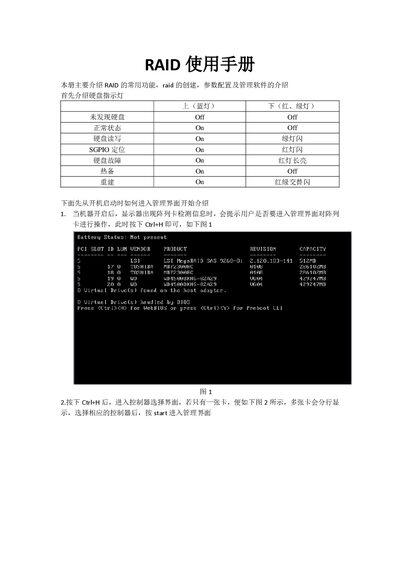
After the controller detection screen appears during boot, press Ctrl+H to open the management interface.
The default strip size is 64 KB.
A RAID5 array requires at least three disks.
Write Through means data is written directly to the disk without caching.