
Key facts
- Manuals
- 2
- Languages
- ZH
- Last added
- 2026-09-28
Featured LSI manuals
LSI 9260-8I RAID User Manual
The guide walks users through entering the RAID management interface, handling existing configurations, and using the Configuration Wizard to set up new RAID arrays. It covers disk selection, RAID level choices, strip size, access policies, and virtual disk settings.
Additional sections describe advanced RAID types (RAID10, RAID50, RAID60), background initialization options, error handling, and how to rebuild a degraded array after a disk failure. This manual is written in Chinese.
Covers: Entering Management Interface · Foreign Configuration Handling · Configuration Wizard · Creating RAID Arrays · Disk Group (DG) Management · RAID Level and Strip Size
Latest LSI manuals
LSI 9260-8I RAID User Manual
User Manual 15 pages · 1 MB · ZHThis manual explains how to create, configure, and manage RAID arrays using the LSI 9260-8I controller.
LSI COMPUTER SYSTEMS LS7534/LS7535/LS7535FT Manual
LS7534, LS7535, LS7535FT are MOS integrated circuits designed for brightness control of incandescent lamps. They are controlled by touch plates (LS7534) or pushbutton switches (LS7535) and the output can be adjusted between 159 degrees (maximum brightness) and 41 degrees (minimum brightness) depending on the firing angle of the triac. All internal timings are synchronized with the line frequency by means of a built-in phase-lock loop circuit.
Which document do I need?
User Manual
Day-to-day operation, settings and troubleshooting. Start here if the product is already set up.
Questions answered in LSI manuals
How do I enter the RAID management interface?
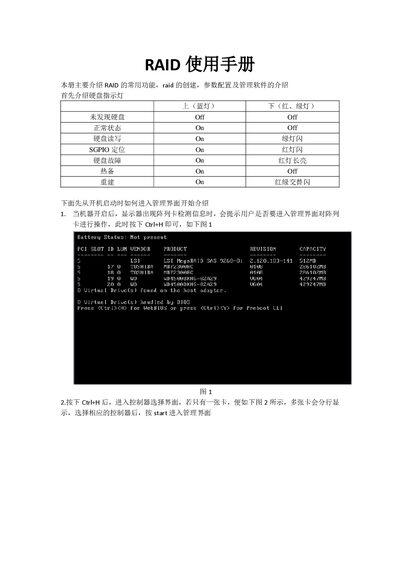
After the controller detection screen appears during boot, press Ctrl+H to open the management interface.
What is the default strip size for a new RAID configuration?
The default strip size is 64 KB.