
User manual for the LPP‑480F PC software, covering installation, connection methods, device management and FIR filter settings.
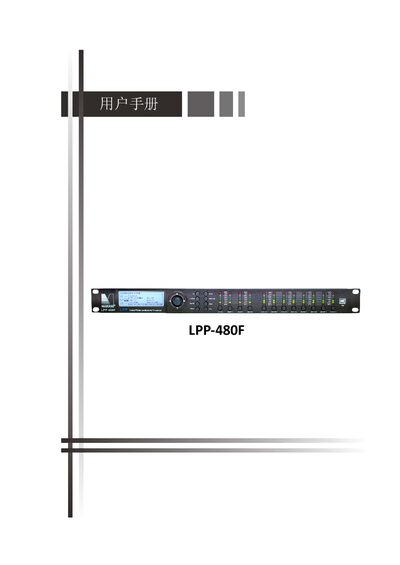
This manual explains how to install the LPP‑480F PC control software, the required Windows environment, and the necessary drivers. It describes the three connection options—USB, RS485 and TCP/IP—and how to add, remove, search for and manage devices in the software.
The guide also details editing of system and program parameters, FIR filter calculation, latency adjustment, target EQ curve configuration, and how to save or store FIR filters on the PC or the device. This manual is written in Chinese.
| Supported operating system | Windows XP (32‑bit) or later |
|---|---|
| Minimum RAM | 1 GB |
| Minimum ROM | 10 MB |
| .NET Framework required | 4.0 |
| USB driver file | STM32_VCP_Driver_V1.3.1.exe |
| Default device IP address | 192.168.0.100 |
| Maximum PCs per device | 4 |
| Maximum RS485 devices | 32 |
| LAN IP address range | 1.0.0.1 – 223.255.255.254 |
A single device can be connected to up to four PCs simultaneously.
The default IP address is 192.168.0.100.