
Key facts
- Manuals
- 1
- Languages
- ZH
- Last added
- 2026-09-28
Featured LPP manuals
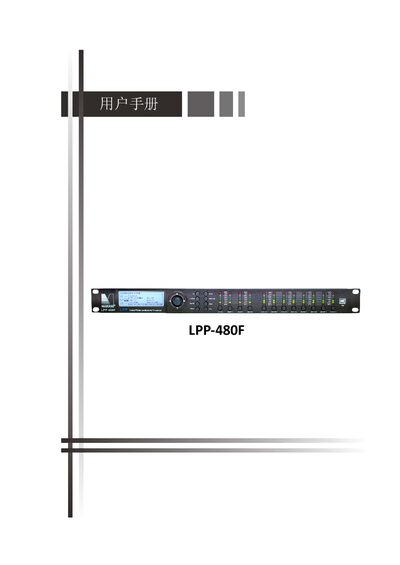
LPP LPP-480F PC Software User Manual
This manual explains how to install the LPP‑480F PC control software, the required Windows environment, and the necessary drivers. It describes the three connection options—USB, RS485 and TCP/IP—and how to add, remove, search for and manage devices in the software.
The guide also details editing of system and program parameters, FIR filter calculation, latency adjustment, target EQ curve configuration, and how to save or store FIR filters on the PC or the device. This manual is written in Chinese.
Covers: Installation Environment · Connection Modes · Device List · Adding and Removing Devices · Searching Devices · Connecting / Disconnecting Devices
Latest LPP manuals
LPP LPP-480F PC Software User Manual
User Manual 62 pages · 3.6 MB · ZHUser manual for the LPP‑480F PC software, covering installation, connection methods, device management and FIR filter settings.
Which document do I need?
User Manual
Day-to-day operation, settings and troubleshooting. Start here if the product is already set up.
Questions answered in LPP manuals
How many PCs can be connected to one LPP‑480F device at the same time?
A single device can be connected to up to four PCs simultaneously.
What is the default IP address of the LPP‑480F device?
The default IP address is 192.168.0.100.