
Linx 10 tablet quick-start manual covering safety information, product overview, charging, touch-screen use and technical specifications.
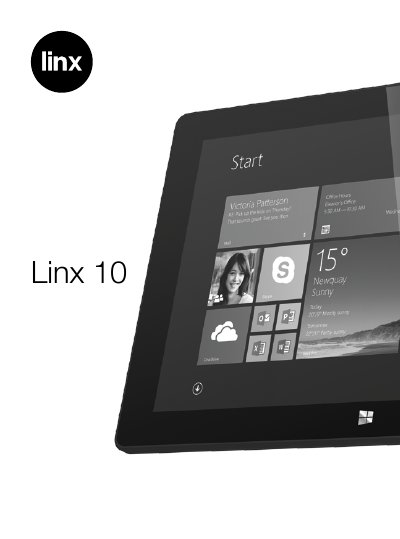
This quick-start manual introduces the Linx 10 tablet and explains how to get to know the product and use its features. It opens with important safety information, then gives a labelled product overview of the camera, buttons, speakers, ports and card slot.
The manual then walks through the package contents, charging the tablet, the internal lithium-ion polymer battery, turning the tablet on, off and into sleep mode, emergency reboot, volume and headphones, installing a Micro SD card, using the touch screen and Windows 8.1, and closes with technical, general, guarantee and recycling information.
| Dimensions (HWD) | 257.85 x 172.41 x 11.40 mm |
|---|---|
| Screen size | 10.1 inch, 16:10 |
| Screen resolution | 1280 x 800 IPS |
| Touch module | 10-point capacitive touch panel |
| Battery type | Lithium-ion polymer battery |
| Battery capacity | 3.7V / 7,900mAh |
| Battery life | 6 - 8 hours |
| CPU | Quad-Core Intel Atom Z3735F, 1.33GHz - 1.83GHz |
| GPU | Intel HD Graphics (Generation 7) |
| RAM | 2GB DDR3L |
| ROM flash | 32GB |
| Cameras | 2.0 MP front and 2.0 MP rear |
| Speakers | 2 x built-in 8Ω / 0.8W |
| Wi-Fi | 802.11 b/g/n |
| Bluetooth | Bluetooth 4.0 |
| Operating system | Windows 8.1 |
| Power adapter | USB (5V / 2A) |
| HDMI interface | Mini-HDMI 1.4a |
Plug the charger into a wall outlet, then connect it to the tablet's Micro-B Type USB connector port. The Power indicator LED lights up while charging.
Press and hold the Power/Sleep button for 10 seconds until the screen turns off, then leave the tablet for 15 seconds before rebooting.
No. The manual states that the tablet does not support USB charging.
The package contains one Linx 10 tablet, one mains adapter and one instruction manual.
The listed battery life is 6 to 8 hours.