
Lightspeed user manual for the REDCAT Media Classroom Audio System and REDMIKE microphone, covering setup, controls, charging, and troubleshooting.
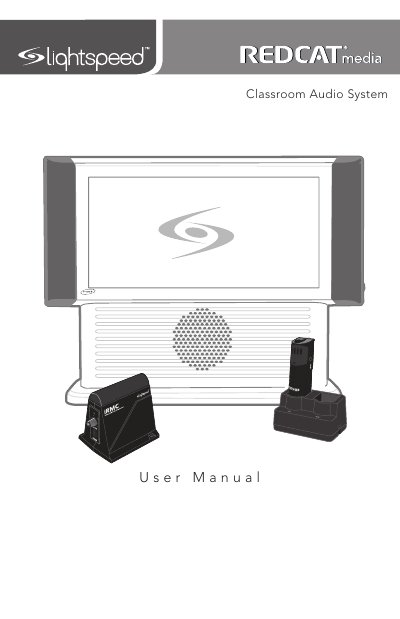
This Lightspeed user manual covers the REDCAT Media Classroom Audio System and the REDMIKE classroom microphone. It explains system components, side and rear panel controls, REDMIKE and cradle charger controls, setup on a tabletop or wall, charging, and operating the REDMIKE.
The manual also covers optional accessories such as REDMIKE VC, LT71 LightMic, and REDMIKE Share, plus troubleshooting, warranty, safety warnings, and system specifications.
| REDCAT Media power supply | 24V/2.5A |
|---|---|
| DC power input | 24VDC @ 2.5 A |
| Cradle charger power supply | 5V/1.0A |
| REDMIKE battery | AA NiMH rechargeable sensing battery, part # NH2A27 |
The cradle charger light glows red while the REDMIKE is charging and green when it is fully charged.
It indicates that no battery is sensed.
It should be within 7 feet of an electrical outlet and on a surface about 3-6 feet off the ground.
It uses a 24V/2.5A power supply connected to the DC power input.