
Key facts
- Manuals
- 1
- Languages
- EN
- Last added
- 2026-11-16
Featured Lightspeed manuals
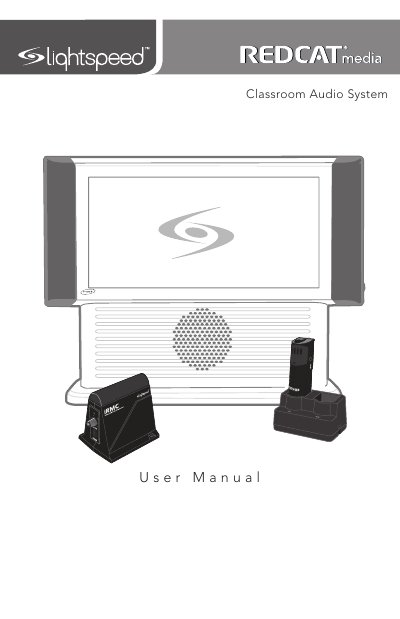
Lightspeed REDCAT Media Classroom Audio System with REDMIKE User Manual
This Lightspeed user manual covers the REDCAT Media Classroom Audio System and the REDMIKE classroom microphone. It explains system components, side and rear panel controls, REDMIKE and cradle charger controls, setup on a tabletop or wall, charging, and operating the REDMIKE.
The manual also covers optional accessories such as REDMIKE VC, LT71 LightMic, and REDMIKE Share, plus troubleshooting, warranty, safety warnings, and system specifications.
Covers: Important Safety Instructions · System Components and Unpacking · Optional Components · Side Panel Controls and Connections · Rear Panel Controls and Connections · REDMIKE Controls and Connections
Latest Lightspeed manuals
Lightspeed REDCAT Media Classroom Audio System with REDMIKE User Manual
User Manual 44 pages · 4.5 MB · ENLightspeed user manual for the REDCAT Media Classroom Audio System and REDMIKE microphone, covering setup, controls, charging, and troubleshooting.
Which document do I need?
User Manual
Day-to-day operation, settings and troubleshooting. Start here if the product is already set up.
Questions answered in Lightspeed manuals
How do I know when the REDMIKE is fully charged?
The cradle charger light glows red while the REDMIKE is charging and green when it is fully charged.
From: Lightspeed REDCAT Media Classroom Audio System with REDMIKE User Manual
What does a blinking red light on the cradle charger mean?
It indicates that no battery is sensed.
From: Lightspeed REDCAT Media Classroom Audio System with REDMIKE User Manual