
This user guide provides instructions for the Lenovo ThinkPad X1 Fold Gen 1, covering setup, features, advanced settings, and support resources.
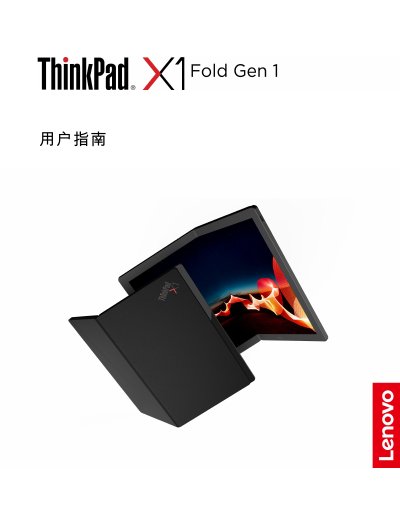
This document is the User Guide for the Lenovo ThinkPad X1 Fold Gen 1, the world's first foldable OLED laptop. It covers essential information for new users, including safety precautions, an overview of the device's unique features like the foldable screen and leather cover, and instructions for using the integrated stand and split-screen functionality.
The guide also details how to configure advanced settings such as the UEFI BIOS, manage power settings, and connect to various networks. It includes troubleshooting for common issues, information on support resources, and important safety and regulatory information. This manual is written in Chinese.
| Screen Size | 13.3 inches (337.82 mm) |
|---|---|
| Screen Resolution | 2048 x 1536 pixels |
| Memory Type | LPDDR4 |
| Wireless WAN | 5G CAT20 |
| USB-C Data Transfer Speed | Up to 10 Gbps |
The maximum heat dissipation depends on the model and is up to 65 W.
The guide provides instructions on how to enter the UEFI BIOS menu and navigate the interface.
The power button LED blinks three times to indicate that the computer has just connected to power.