
Lenovo ThinkCentre M73z desktop computer user manual covering safety, warranty, setup, ports, connectors, and system recovery.
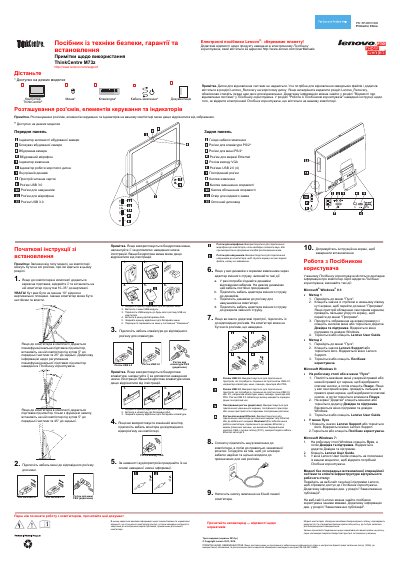
This Lenovo user manual covers the ThinkCentre M73z desktop computer. It includes safety, warranty, and setup information, plus notes on using the computer and locating connectors, controls, and indicators.
The manual describes unpacking the computer, front and rear panels, and initial setup steps for stands, mice, keyboards, monitors, audio devices, speakers, and power. It also explains how to open the electronic User Guide on Windows 7, 8, and 8.1, and notes that system recovery files are stored in the Lenovo_Recovery partition on the hard drive.
| Rear USB 2.0 ports | 4 |
|---|---|
| Network port | Ethernet |
| Ethernet cable category | 5 |
| Recovery partition | Lenovo_Recovery |
They are stored in the Lenovo_Recovery partition on the hard drive.
Use a Category 5 Ethernet cable.