
This manual provides instructions for the Lenovo ThinkPad R61 laptop, covering anatomy, setup, shutdown procedures, keyboard shortcuts, and battery care.
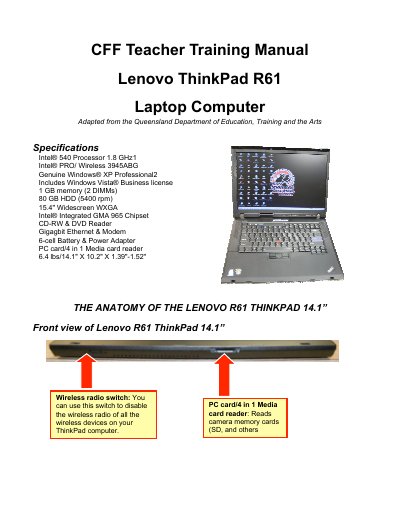
The document serves as a user guide for the Lenovo ThinkPad R61 laptop computer. It details the physical layout of the device, including ports on all sides, and explains how to use features like the TrackPoint mouse and various connectivity options such as USB and Ethernet.
Key operational instructions are provided for powering on and off the system, managing power states (Standby, Hibernate), and using keyboard shortcuts. The guide also covers battery status indicators, AC adapter safety precautions, and specific care instructions for the hard drive and battery.
| Processor | Intel® 540 Processor 1.8 GHz |
|---|---|
| Memory | 1 GB memory (2 DIMMs) |
| Hard Drive | 80 GB HDD (5400 rpm) |
| Display | 15.4" Widescreen WXGA |
| Graphics | Intel® Integrated GMA 965 Chipset |
| Weight | 6.4 lbs |
Hold the power button down for at least 5 seconds to turn it off.
It indicates that the battery is charged between 20% and 80% of the capacity and is currently being charged.
Press the key combination Fn + F4, or simply close the lid if the battery is not low.