
User guide for Leica SP8 confocal microscope covering system setup, laser operation, software use, image capture, and shutdown procedures.
This manual provides step-by-step instructions for operating the Leica SP8 confocal microscope located in Biosciences 232. It covers powering on and shutting down the system, configuring lasers and detectors, setting up imaging parameters, acquiring images, and saving/exporting data. The guide also explains how to use the LASX software for configuration, light path setup, and deconvolution with HyVolution or Lightning modes.
Key components include HyD and PMT detectors, multiple laser lines, and objectives ranging from 2.5x to 63x oil immersion. Users are instructed to log in, configure settings, clean objectives, and follow specific shutdown steps including cooling the Argon laser before turning off equipment.
| Detectors | 2 HyD detectors, 1 PMT detector |
|---|---|
| Laser Lines | UV@405 for DAPI; 3 Argon@458, 488, 514; DPSS@561; HeNe@633 |
| Objectives | 2.5x, 5x, 10x, 20x, 40x (oil), 63x (oil) |
| Resolution | Down to 140 nm |
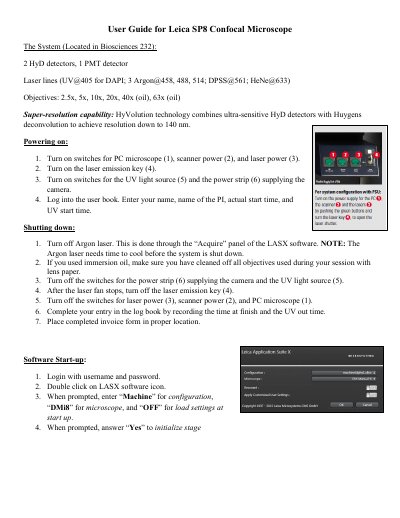
Turn on switches for PC microscope, scanner power, and laser power. Then turn on the laser emission key, UV light source, and camera power strip. Log into the user book with your details.
Turn off the Argon laser via the LASX software, clean immersion oil from objectives, turn off camera and UV power, wait for laser fan to stop, then turn off laser emission key and all power switches. Complete log entry and place invoice form.
Log in with username and password. Double-click the LASX icon. When prompted, enter 'Machine' for configuration, 'DMi8' for microscope, and 'OFF' for load settings. Answer 'Yes' to initialize stage.