
Leica Microsystems LAS-X Workstation NVIDIA Driver Update Instructions

Instructions for updating NVIDIA graphics display drivers on Leica Microsystems LAS-X workstations to version 461.09 to address security vulnerabilities.
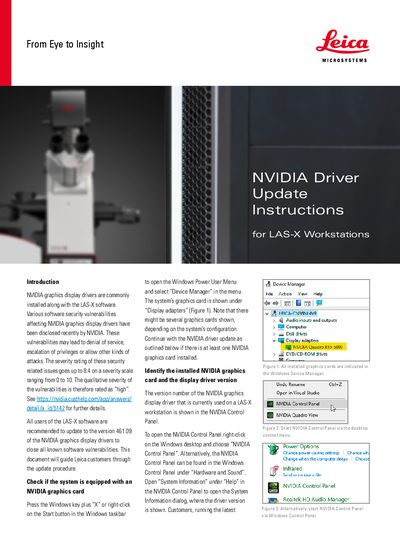

Leica Microsystems LAS-X Workstation NVIDIA Driver Update Instructions - cover page
Brand
Leica Microsystems
Category
Other Computer Accessories
Document type
User Manual
Language
English
Pages
2
File format
PDF
File size
265 KB
Published
13 October, 2026
Updated
13 October, 2026
MD5 checksum
9D1FE57BEB84E0582A883DE02C17B540

About this manual

This document provides instructions for updating NVIDIA graphics display drivers on Leica Microsystems LAS-X workstations to address security vulnerabilities. The recommended update targets version 461.09 of the NVIDIA graphics display drivers to close all known software vulnerabilities, which have a high severity rating.

What's inside

  • Introduction
  • Check if the system is equipped with an NVIDIA graphics card
  • Identify the installed NVIDIA graphics card and the display driver version
  • Update the NVIDIA graphics display driver
  • Upgrade systems with older display drivers

Frequently asked questions

What is the recommended NVIDIA graphics display driver version for LAS-X software users?

All users are recommended to update to version 461.09 of the NVIDIA graphics display drivers.

What is the maximum severity rating for the disclosed security vulnerabilities?

The severity rating of these issues goes up to 8.4 on a scale ranging from 0 to 10.

How can a user open the Windows Power User Menu?

Press the Windows key plus X or right-click on the Start button in the Windows taskbar.

Download PDF (265 KB)

More Leica Microsystems Manuals


View all Leica Microsystems manuals →