
This user manual provides operating instructions and technical specifications for the Leica EZ4, EZ4 E, and EZ4 W microscope cameras.
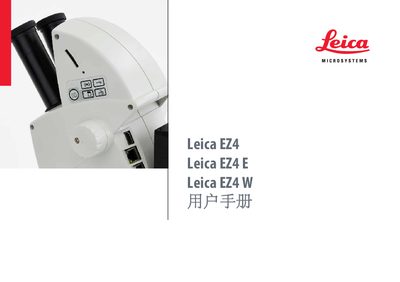
This document serves as a comprehensive user guide for the Leica EZ4 digital camera system, covering three specific models: the standard EZ4, the EZ4 E (Ethernet version), and the EZ4 W (WiFi version). It details regulatory compliance information, safety warnings, and general operating procedures applicable to all units.
The manual provides step-by-step instructions for setting up the camera, configuring software settings such as exposure and resolution, and managing data storage via USB or SD card. Specific sections address network configuration for Ethernet and WiFi models, including troubleshooting interference issues.
| Regulatory Standard | IEC EN 61010-1, EN 60950-1 |
|---|---|
| EMC Standard | EN 55011 B, DIN EN 61326-1 |
| RoHS Compliance | 2011/65/EU |
| WEEE Directive | 2012/19/EU |
| FCC Class | Class B digital device |
| Minimum Body Distance | 20 cm |
The manual covers the Leica EZ4, Leica EZ4 E, and Leica EZ4 W.
Reorient the antenna, increase separation from the receiver, or connect to a different circuit.
The equipment should be operated with a minimum distance of 20 cm between the radiator and your body.