
Operating guide for the LATICRETE STRATA_HEAT programmable thermostat, covering setup, heating programs, settings, and installation.
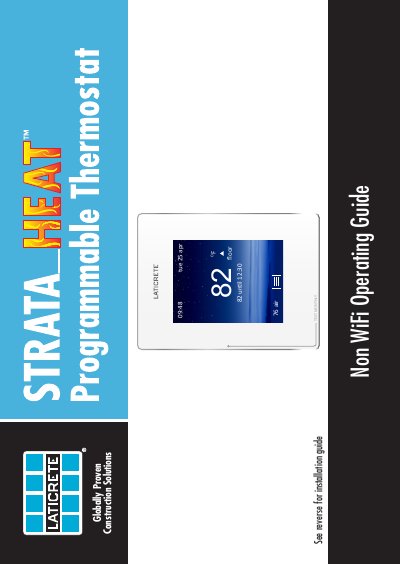
The LATICRETE STRATA_HEAT Programmable Thermostat is a programmable heating thermostat with a home screen, menu-based setup, heating programs, holiday mode, gradual start, frost protect, and configurable settings.
The guide explains initial setup choices such as language, time, date, heating type, temperature display, floor type, and heating control type, along with program scheduling, preset programs, advanced settings, and installation-related information.
| Supply voltage | 110 V-240 V +/- 15% at 60 Hz |
|---|---|
| Maximum switch load | 15 A resistive |
| Insulation class | II |
| Standards | EN60730-1 and EN60730-2-9 |
| Operating temperature | 0 to 55 °C (32 to 131 °F) |
| Relative humidity | Less than 80% |
| Default setback temperature | 60°F (15°C) |
| Frost protect temperature | 40°F (4°C) |
| Comfort periods per day | Up to 5 |
Press the power button on the bottom of the device for 3 seconds.
It sets heating to 40°F (4°C) and runs continuously until the temperature is raised again.
Up to 5 Comfort Periods per day.
er1 appears if no floor sensor is detected, and er2 appears if the floor sensor has a short circuit.