
This is a manual for a smart electric heater, including installation and operation instructions
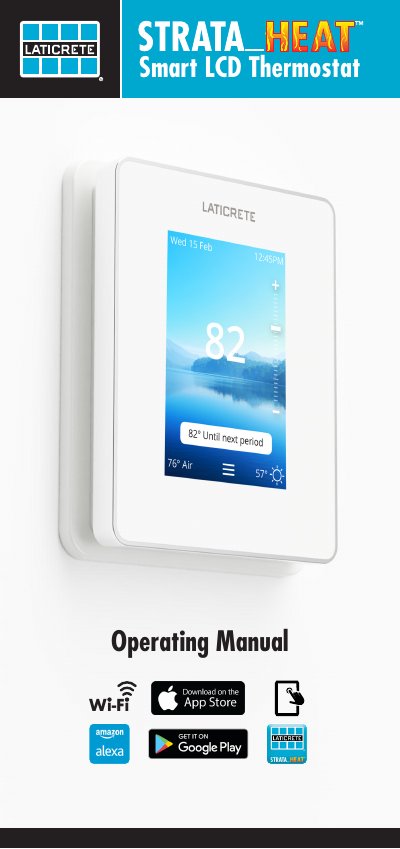
The STRATA_HEAT Smart LCD Thermostat is a Wi-Fi thermostat from LATICRETE. The manual covers safety information, installation by a qualified electrician, wiring connections including probe and relay options, mounting, initial setup, and adding a location and room in the MySTRATA_HEAT app.
It also explains the thermostat's heating modes, weekly programs, setback temperature, manual and vacation modes, energy monitor, geo-location settings, advanced settings, troubleshooting, Wi-Fi troubleshooting, technical specifications, and warranty.
| Supply | 110V – 240V AC, 60Hz |
|---|---|
| GFCI | Class A GFCI, 5 mA trip level |
| Heater load | Maximum 15 A (1800 W/120 V, 3600 W/240 V) |
| Relay-25 maximum load | 25 A |
| Total maximum load with Relay-25 | 40 A |
| Frost protection minimum temperature | 44.0°F (6.5°C) |
It must be installed by a qualified electrician.
It requires a permanent 110V – 240V AC, 60Hz supply.
Manual mode lets you set a fixed target temperature that the thermostat maintains until another mode or temperature is selected.
Check that the password is WPA2 protected and that the router is set to a 2.4 GHz band.