
This guide covers operation, maintenance, and troubleshooting for Kyocera ECOSYS M2030dn/M2530dn/M2035dn/M2535dn multifunction printers.
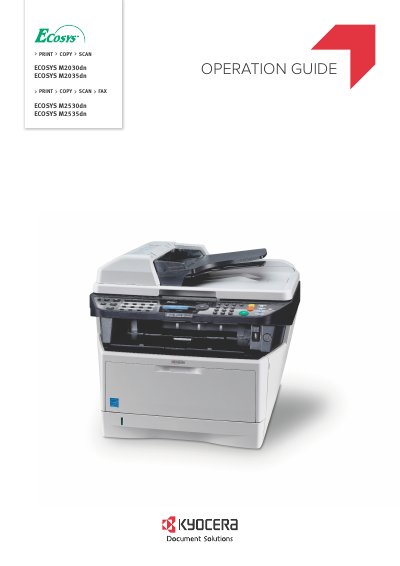
This Operation Guide is intended to help users operate the Kyocera ECOSYS M2030dn, M2530dn, M2035dn, and M2535dn machines correctly. It provides instructions for routine maintenance, simple troubleshooting, and safe usage to ensure the machine remains in good condition. The guide also includes information on loading paper, basic copy/print/scan operations, and network configuration. This manual is written in Chinese.
| Copy Speed (30 ppm model) | 30 ppm |
|---|---|
| Copy Speed (35 ppm model) | 35 ppm |
| Supported Paper Weight (Cassettes) | 60 to 120 g/m2 |
| Supported Paper Weight (Multi purpose tray) | 60 to 220 g/m2 |
| Supported Paper Thickness | 0.086 to 0.110 mm |
| Pulp Content Requirement | 80% or more |
The 30 ppm model refers to ECOSYS M2030dn and M2530dn, while the 35 ppm model refers to ECOSYS M2035dn and M2535dn.
Yes, but detailed FAX instructions are found in the separate FAX Operation Guide.
You must contact your service representative to order a replacement.