
KYE Systems SlimStar 8000SE Wireless Slim Keyboard & Mouse Combo Quick Guide

Quick guide for installing, replacing batteries, and using the SlimStar 8000SE wireless keyboard and mouse combo in multiple languages.
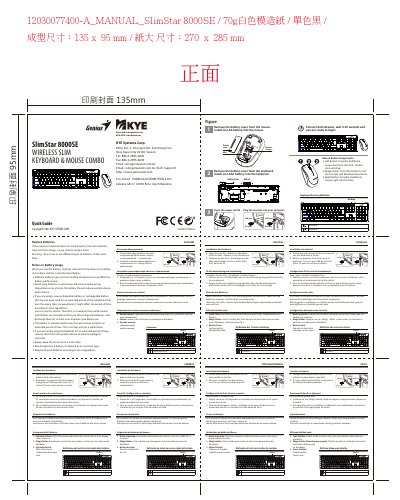

KYE Systems SlimStar 8000SE Wireless Slim Keyboard & Mouse Combo Quick Guide - cover page
Brand
KYE Systems
Document type
Quick Start Guide
Language
English
Pages
2
File format
PDF
File size
6.5 MB
Published
05 November, 2026
Updated
05 November, 2026
MD5 checksum
12C88ADA87821939C0AAB3C2DA287ED2

About this manual

This quick guide explains how to install the wireless keyboard and mouse, replace batteries, and configure the device. It includes step-by-step instructions in multiple languages for installing batteries, connecting the receiver, and using the mouse buttons. The guide also notes that the device requires a USB receiver and AA/AAA batteries for operation, with warnings against mixing battery types.

What's inside

  • Installation
  • Battery Replacement
  • Receiver Connection
  • Mouse Button Assignments
  • Language Instructions

Frequently asked questions

What should you do if the mouse or keyboard does not work properly?

Replace the batteries, as they have lost their charge.

Download PDF (6.5 MB)

More KYE Systems Manuals


View all KYE Systems manuals →