
Step-by-step guide to update firmware for KW AV receiver models M788BH, M780BT, and M785DBW.
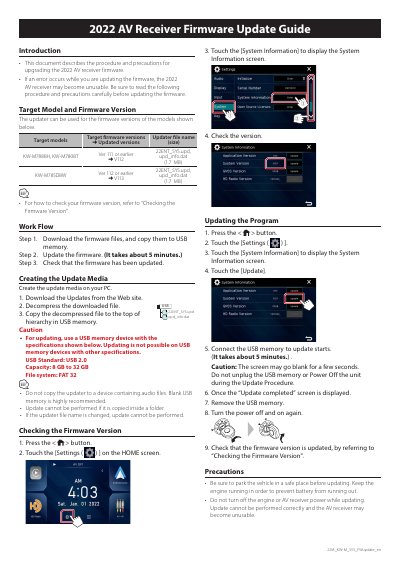
This guide explains how to update the firmware on KW AV receivers. It covers downloading files, preparing USB media, and performing the update. Precautions include keeping the engine running and not unplugging the USB or turning off power during the process.
The update requires a USB 2.0 device with FAT32 file system, 8–32 GB capacity, and the updater files must be placed at the root of the USB drive.
USB Standard: USB 2.0, Capacity: 8 GB to 32 GB, File system: FAT 32.
It takes about 5 minutes.
The AV receiver may become unusable. Ensure you follow all precautions and do not unplug the USB or turn off power during the update.