
This manual provides operating instructions, safety guidelines, and setup procedures for the KOIOS K3419UG monitor.
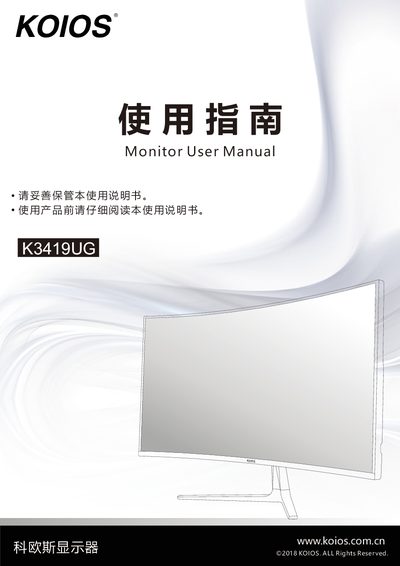
This user manual covers the KOIOS K3419UG monitor, including safety precautions, unpacking, assembly, and installation options such as wall mounting and VESA arms. It details how to adjust the viewing angle and explains the functions of the power switch and LED indicators.
The guide also explains the various input interfaces, including HDMI and DP, and provides instructions for using the on-screen menu for picture, color, and general settings. Additionally, it addresses common issues like screen flickering, image retention, and black screens when using 4K resolution. This manual is written in Chinese.
The monitor's default color temperature is 6500K, which is a warm tone.
You must leave at least 10 centimeters of space on all sides of the product.
The power supply voltage must be between 200 and 240V, and the current must be at least 2A.