
Owner's manual for the Klipsch KG-200 gaming headphones, covering setup and audio settings for Xbox, PlayStation and PC.
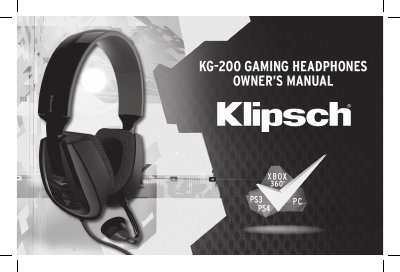
The Klipsch KG-200 is a gaming headphone with a microphone. The box includes an Xbox talkback cable, USB power adapter, RCA to 3.5 mm female splitter cable, and PS4 chat cable.
The owner's manual gives connection steps for Xbox 360 using composite/component or HDMI, PS3 using composite or HDMI, and PS4 using HDMI, along with console audio settings. It also describes controls for game and chat volume, microphone monitoring, and EQ tone presets.
| Compatibility | Xbox, PlayStation, PC |
|---|
On PS3, go to Settings > Accessory Settings > Audio Device Settings and select “Klipsch KG-200” for both Input Device and Output Device.
Connect the Xbox AV cable to the RCA splitter, connect the headset audio jack to the splitter, plug the talkback cable into the headset and controller, and connect the headset USB to an Xbox USB port.
The box includes the KG-200 gaming headphone, microphone, Xbox talkback cable, USB power adapter, RCA to 3.5 mm female splitter cable, and PS4 chat cable.