
The King Jim MSC10E Scanner Mouse User Manual provides setup, operation, safety, and troubleshooting instructions.
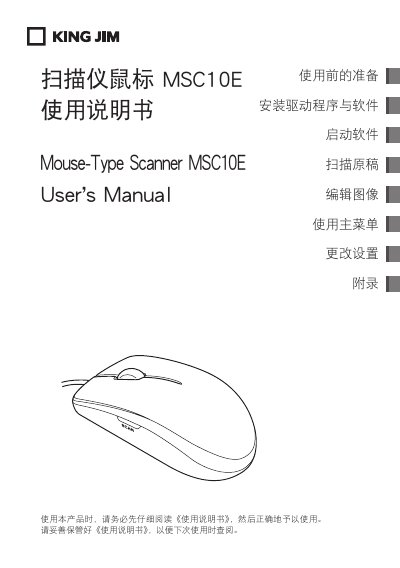
The MSC10E is a mouse‑type scanner that lets you capture documents and images by moving the device like a regular mouse. It connects via USB and works with Windows computers.
This manual covers preparation, driver and software installation, scanning procedures, image editing, menu navigation, saving and sharing options, safety precautions, warranty information, and troubleshooting steps.
| Sensor | Laser sensor 1200 dpi |
|---|---|
| Maximum Scan Resolution | 400 dpi |
| Scan Area | A4 |
| Save Formats | PDF, JPEG, TIFF, BMP, PNG, XLS, DOC |
| Interface | USB 2.0 |
| Supported OS | Windows 7 (32‑bit & 64‑bit) |
| CPU Requirement | Intel Core 2 Duo 1.2 GHz or higher |
| Memory Requirement | 2 GB RAM or more |
| Graphics Requirement | 128 MB NVIDIA GeForce 8400GS or equivalent |
Connect the scanner to a USB port; the driver will start installing automatically. Do not disconnect the device during installation.
Do not operate the device with wet hands, keep it away from flammable liquids, and avoid using it in high‑temperature, high‑humidity or magnetic environments.
The scanner can achieve up to 400 dpi resolution.
The device works with Chinese Windows 7 (both 32‑bit and 64‑bit versions).