
Key facts
- Manuals
- 1
- Languages
- EN
- Last added
- 2026-10-06
Featured King Jim manuals
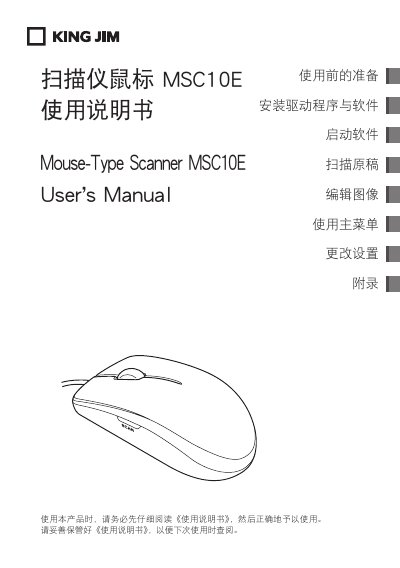
King Jim MSC10E Scanner Mouse User Manual
The MSC10E is a mouse‑type scanner that lets you capture documents and images by moving the device like a regular mouse. It connects via USB and works with Windows computers.
This manual covers preparation, driver and software installation, scanning procedures, image editing, menu navigation, saving and sharing options, safety precautions, warranty information, and troubleshooting steps.
Covers: Using the Scanner Mouse · Safety Precautions · Installation of Drivers and Software · Scanning Procedure · Image Editing · Saving and Sharing
Latest King Jim manuals
King Jim MSC10E Scanner Mouse User Manual
User Manual 110 pages · 4 MB · ENThe King Jim MSC10E Scanner Mouse User Manual provides setup, operation, safety, and troubleshooting instructions.
Which document do I need?
User Manual
Day-to-day operation, settings and troubleshooting. Start here if the product is already set up.
Questions answered in King Jim manuals
How do I install the driver for the MSC10E?
Connect the scanner to a USB port; the driver will start installing automatically. Do not disconnect the device during installation.
What safety warnings should I follow when using the scanner mouse?
Do not operate the device with wet hands, keep it away from flammable liquids, and avoid using it in high‑temperature, high‑humidity or magnetic environments.