
Kinesis Advantage2 KB600 KB605 Contoured Keyboard User's Manual

User's manual for the Kinesis Advantage2 KB600 and KB605 contoured keyboards, covering setup, programming, firmware updates, and maintenance.
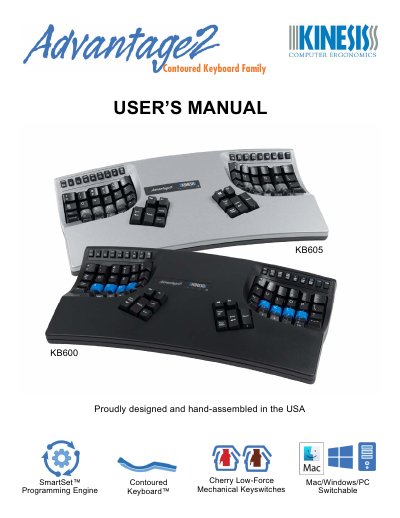

Kinesis Advantage2 KB600 KB605 Contoured Keyboard User's Manual - cover page
Brand
Kinesis
Category
Other Computer Accessories
Document type
User Manual
Language
English
Pages
39
File format
PDF
File size
1.4 MB
Published
17 October, 2026
Updated
17 October, 2026
MD5 checksum
BFBECFA7CD0CD15EE167C229573B202D

About this manual

This manual provides instructions for the Kinesis Advantage2 Contoured Keyboard, specifically models KB600 and KB605. It details the installation process, ergonomic design features, and the SmartSet Programming Engine capabilities. The guide covers both basic onboard programming tools and advanced power user tools for creating custom layouts and macros.

What's inside

  • Health and Safety Warning
  • Geometry and Key Groupings
  • Installation and Setup
  • Default QWERTY Layout
  • SmartSet Programming Engine
  • Macro Playback Speed
  • Firmware Updates
  • Keyboard Care and Maintenance
  • Warranty
  • Ergonomic Guidelines

Frequently asked questions

What operating systems is this keyboard compatible with?

The keyboard is compatible with Mac, Windows, and PC systems.

What type of mechanical switches does this keyboard use?

This keyboard uses Cherry Low-Force Mechanical Keyswitches.

What is the address for Kinesis Corporation's headquarters?

The headquarters is located at 22030 20th Avenue SE, Suite 102 Bothell, Washington 98021 USA.

Download PDF (1.4 MB)

More Kinesis Manuals


View all Kinesis manuals →