
This user manual introduces the versions of KINESIS® MAXIM™ Adjustable Ergonomic Keyboard and Optional Numeric Keypad
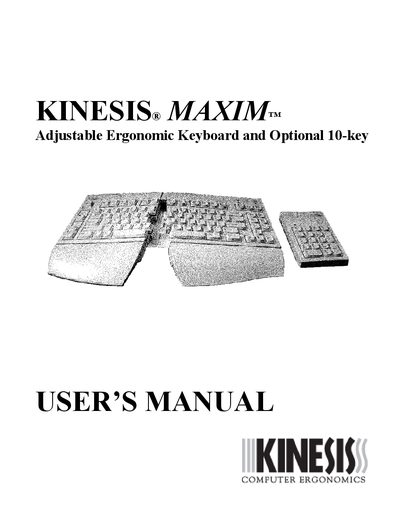
The manual introduces the MAXIM adjustable ergonomic keyboard and optional numeric keypad, covering health and safety warnings, registration, and ergonomic guidelines. It explains how to connect the keyboard and keypad, customize key functions, and maintain the device.
Technical specifications are listed, including power consumption, dimensions, weight, adjustment ranges, and compliance standards. The document also provides warranty information and contact details for technical support.
| Power consumption | <50 mA at 5 V |
|---|---|
| Keyboard weight (with palm supports) | 2.75 lb |
| Front opening angle | 0° to 30° (continuous) |
| Front‑to‑back slope | 6° or 12° |
| Lateral slope options | 0°, 8°, 14° |
| Ambient operating temperature | 5 °C to 40 °C |
| Interface | PS/2 compatible |
Turn off the computer, plug the keyboard and 10‑key together with the short cable, then connect the long keyboard cable to the 10‑key’s PC port, and finally reconnect the main cable to the computer’s PS/2 keyboard port.
Continuous use may cause aches, tendinitis, or carpal tunnel syndrome; users should follow ergonomic guidelines, take regular breaks, and seek medical advice at the first sign of discomfort.
The keyboard offers a front opening angle of 0° to 30°, front‑to‑back slope options of 6° or 12°, and lateral slope settings of 0°, 8°, or 14°.
The keyboard consumes less than 50 mA at 5 V.