
User manual for the KILEWS KL-CTDS torque display for BNK electric screwdrivers, covering panel functions, setting menu options and external input control.
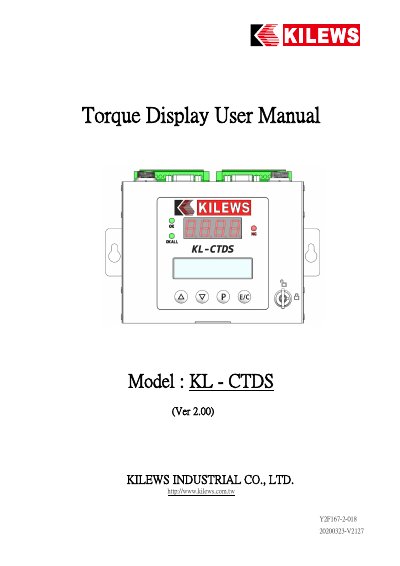
This is the user manual (Ver 2.00) for the KILEWS KL-CTDS torque display box used with BNK series electric screwdrivers. It starts with the panel functions: a four-digit seven-segment display for the torque value, a 16X2 LCM display for setting functions, Up, Down, P and E/C keys, status indicators (OK, NG, OKALL) and a key switch lock. It also shows the connection ports: power port (4PIN), screwdriver port (6PIN), RS232/PORT1 and RS232/PORT2 for a barcode scanner and DAS.
The rest of the manual explains how to enter the setting menu with the P key and a password, and lists the setting options and their factory values, including PROGRAM, BATCH COUNT, TIME LIMIT, TORQUE LIMIT, THREAD LIMIT, SLOW START TIME, AUTO FORWARD, AUTO REV. TIME, AUTO STOP TIME, RECONFIRM TIME, ALARM SG. TIME, NS STOP, AS STOP, TORQUE OFFSET and COUNT THREAD. It also covers the initial-default (LOAD DEFAULT) menu, key lock status, and the external input control signals CN1 to CN14.
| Torque limit setting range | 0.0–550.00 KGF.cm |
|---|---|
| Time limit setting range | 0.00–9.99 sec |
| Batch count range | 1–250 |
| Thread (turns) limit range | 0.0–999.9 turns |
| Torque display unit options | kgf.cm / N.m / lbf.in / kgf.m |
| Display | Four-digit seven-segment torque display and 16X2 LCM |
| Program range | 1–99 |
| Gear ratio range | 1–99 |
| Device ID range | 1–255 |
| Slow start time range | 0.0–9.9 sec |
After switching on the power, press the P key on the panel for 3 seconds. A password input is then required to enter the menu.
When the reached torque is inside the set minimum and maximum torque range, OK is shown and the green LED lights up. Outside that range, NG is shown and the red LED lights up.
After power on, press the E/C button for 3 seconds to enter the initial default menu, which also needs the password, and then use LOAD DEFAULT to cancel or restore the factory setting.
The count value can be cleared by putting CN9 in close circuit with GND using an external switch.