
KDC BT730DAB/BT505DAB/M505DAB CD/USB Receiver Firmware Upgrade Guide

This guide provides step-by-step instructions for upgrading the firmware on KDC CD/USB receivers, including preparation, execution, and troubleshooting.
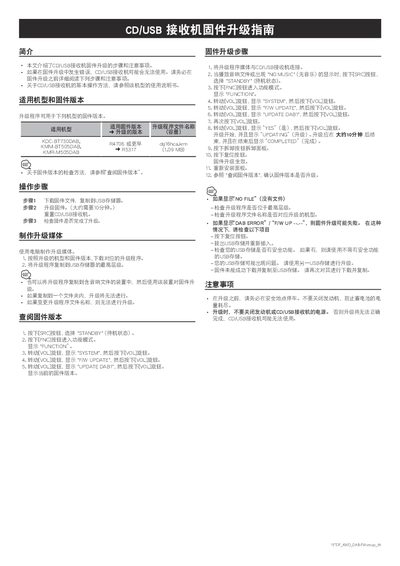

KDC BT730DAB/BT505DAB/M505DAB CD/USB Receiver Firmware Upgrade Guide - cover page
Brand
KDC
Category
Car parts
Document type
User Manual
Language
Chinese
Pages
1
File format
PDF
File size
101 KB
Published
15 October, 2026
Updated
15 October, 2026
MD5 checksum
A3EB0D77DEA9F828BC8EF6C2DF2AAA72

About this manual

This document details the procedure for upgrading the firmware on specific KDC CD/USB receiver models. It covers the applicable models and firmware versions, the steps to create the upgrade media using a computer, and the specific button sequences required to initiate the update on the device. This manual is written in Chinese.

What's inside

  • Applicable Models and Firmware Versions
  • Creating Upgrade Media
  • Checking Firmware Version
  • Firmware Upgrade Steps
  • Troubleshooting
  • Precautions

Frequently asked questions

What are the applicable models for this firmware upgrade?

The upgrade program is applicable to the KDC-BT730DAB, KMM-BT505DAB, and KMR-M505DAB models.

How long does the firmware upgrade take?

The upgrade process takes approximately 10 minutes to complete.

What should I do if the upgrade shows 'NO FILE'?

Check if the upgrade program is located in the top level of the USB storage and verify the file name matches the model.

Download PDF (101 KB)