
Key facts
- Manuals
- 1
- Languages
- ZH
- Last added
- 2026-10-15
Featured KDC manuals
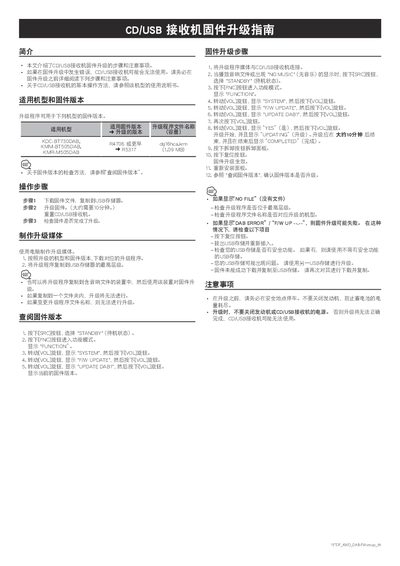
KDC BT730DAB/BT505DAB/M505DAB CD/USB Receiver Firmware Upgrade Guide
This document details the procedure for upgrading the firmware on specific KDC CD/USB receiver models. It covers the applicable models and firmware versions, the steps to create the upgrade media using a computer, and the specific button sequences required to initiate the update on the device. This manual is written in Chinese.
Covers: Applicable Models and Firmware Versions · Creating Upgrade Media · Checking Firmware Version · Firmware Upgrade Steps · Troubleshooting · Precautions
Latest KDC manuals
KDC BT730DAB/BT505DAB/M505DAB CD/USB Receiver Firmware Upgrade Guide
User Manual 1 pages · 101 KB · ZHThis guide provides step-by-step instructions for upgrading the firmware on KDC CD/USB receivers, including preparation, execution, and troubleshooting.
Which document do I need?
User Manual
Day-to-day operation, settings and troubleshooting. Start here if the product is already set up.
Questions answered in KDC manuals
What are the applicable models for this firmware upgrade?
The upgrade program is applicable to the KDC-BT730DAB, KMM-BT505DAB, and KMR-M505DAB models.
From: KDC BT730DAB/BT505DAB/M505DAB CD/USB Receiver Firmware Upgrade Guide
How long does the firmware upgrade take?
The upgrade process takes approximately 10 minutes to complete.
From: KDC BT730DAB/BT505DAB/M505DAB CD/USB Receiver Firmware Upgrade Guide