
The JXD JXD209 MP4 Player User Manual provides operation instructions, connection steps, feature details, and troubleshooting for the portable media player.
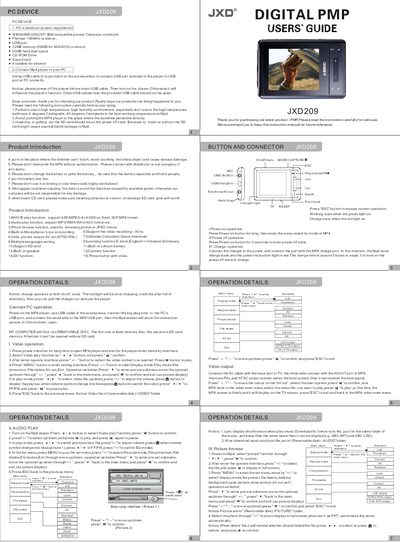
This manual explains how to power on, charge, and operate the JXD209 MP4 player. It covers basic functions such as video, audio, photo browsing, camera, recording, games, and learning tools, as well as how to navigate menus, adjust settings, and use accessories like the USB cable, AV cable, and earphones.
The guide also includes system requirements for PC connection, detailed button functions, language selection, power‑save and auto‑off features, and a troubleshooting section that addresses common issues such as power problems, unresponsive buttons, and missing files.
| Battery type | Built‑in Li‑ion |
|---|---|
| Screen | 2.8‑inch TFT LCD |
| Dimensions | 100 × 55.6 × 13.7 mm |
| Supported video formats | ASF (MPEG‑4), AVI (DivX, Xvid), 3GP, MP4 |
| Supported audio formats | MP3, WMA, WAV, AAC |
| Camera resolution | up to 1600 × 1200 px |
| USB interface | USB 2.0 full speed |
| Audio output power | 5 mW + 5 mW |
| Audio frequency response | 60 kHz – 16 kHz |
Use the supplied USB cable, connect the large plug to the PC’s USB port and the small plug to the player; the PC will show two removable disks.
Connect the charger to a power source and plug it into the player’s charge port; the red light indicates charging and it takes about five hours.
The player supports ASF (MPEG‑4), AVI (DivX, Xvid), 3GP and MP4 video files.