
This is a user manual for the PMP digital player, which introduces the features and usage of the product.
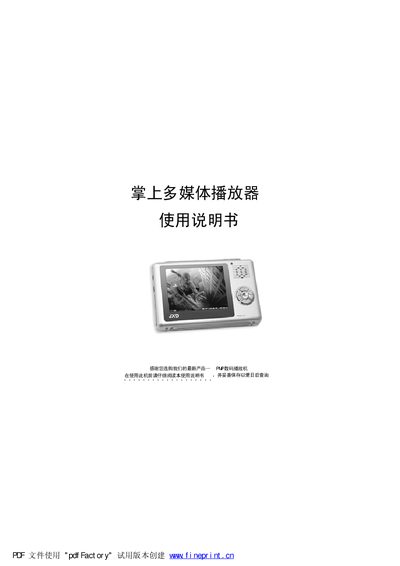
This manual provides safety precautions, system requirements, and step‑by‑step instructions for using the palm multimedia player. It explains how to connect the device to a computer via the supplied USB cable, outlines the player’s multimedia functions, and lists the accessories that should be included.
The later sections describe common problems such as the device not being recognized, video/audio line issues, and recording failures, together with troubleshooting steps. Technical specifications of the player are also provided. This manual is written in Chinese.
| Storage Capacity | 128/256/512 MB |
|---|---|
| Battery | Internal lithium battery |
| Earphone Output Power | 5 mW + 5 mW |
| Display | 480 × 234 TFT screen |
| Audio Frequency Range | 20 Hz – 28 kHz |
| Recording Sample Rate | 8 kHz – 48 kHz |
| USB Interface | USB 1.1 |
Install the driver from the CD that comes with the player; also ensure the USB cable is firmly connected.
No, the manual advises users not to replace the battery themselves; contact the dealer or the company for service.
The device should be used in environments up to about 40 °C and should not be used in high‑temperature or high‑humidity locations such as bathrooms.