
User manual for the Jolimark BP-1000K passbook printer, covering installation, paper handling, control panel use, maintenance, and specifications.
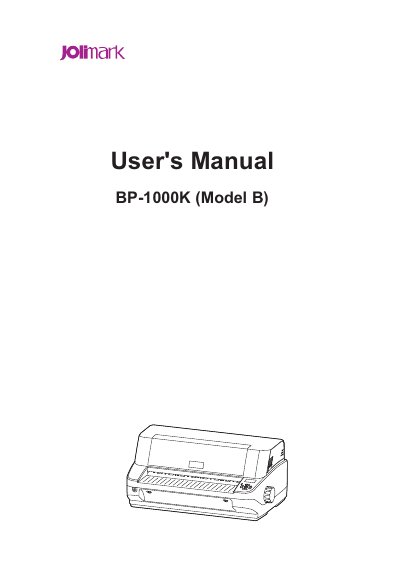
The Jolimark BP-1000K is a 24-pin, 110-column passbook, certificate, and report printer with parallel and USB interfaces. This user manual covers safety instructions, installation, paper handling, control panel operation, maintenance, troubleshooting, paper specifications, and technical specifications.
The manual describes unpacking and setup, ribbon cartridge installation, driver installation, menu settings, self-test functions, and cleaning procedures. It also lists supported barcode types, character sets, command compatibility, and print speed and resolution details.
| Print head | 24-pin |
|---|---|
| Print columns | 110 columns |
| Maximum paper thickness | 3 mm |
| Print speed (normal mode) | 100 CPS |
| Print speed (high speed mode) | 300 CPS |
| Print speed (super high speed mode) | 360 CPS |
| Print resolution | 360 x 360 DPI |
| Auto skew adjustment | Up to 20 degrees |
| Interfaces | Parallel and USB |
| Ribbon cartridge | JMR115 |
| Chinese character set | GB18030 |
| Bank system characters | Supported |
| Barcode types | EAN-13, EAN-8, Interleaved 2 of 5, Matrix 2 of 5, Industrial 2 of 5, Code 39, Code 128 B, Code 128 C, NW-7 |
| Command compatibility | OKI 5530SC, Epson ESC/P-K2, Olivetti PR2, IBM |
| Fonts | Roman, Sans Serif, Courier, Prestige, Script, OCR-A and OCR-B |
Do not touch the print head, because it may be overheated.
The supplied ribbon cartridge is JMR115.
It supports parallel (Centronics) and USB interfaces and can auto-detect the active interface.
Unplug it from the power outlet and clean it with a damp cloth; do not use liquid or aerosol cleaners.