
User manual for JMDM-16ADDA analog control board with 8 inputs and 8 outputs, RS232/RS485 communication, and expandable I/O.
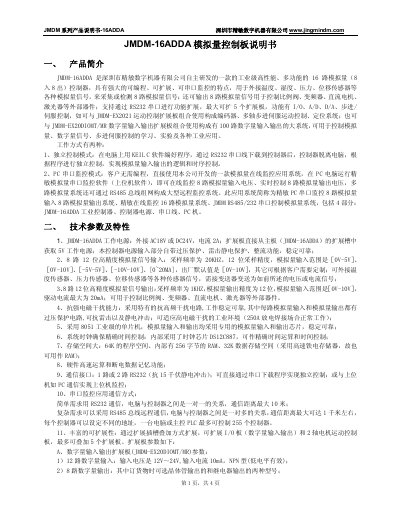
The JMDM-16ADDA is an industrial-grade analog control board with 8 analog inputs and 8 analog outputs, designed for controlling devices like proportional valves and DC motors. It supports RS232 and RS485 communication for PC monitoring or standalone operation. The board can be expanded with up to 5 additional boards for enhanced I/O or motion control capabilities.
It features 12-bit precision analog inputs and outputs, overvoltage protection, and compatibility with various sensors for temperature, pressure, and displacement. Programming is supported via KEIL C, with optional PC-based monitoring software for real-time control and data acquisition. This manual is written in Chinese.
| Input/Output Channels | 8 inputs, 8 outputs |
|---|---|
| Input Range | 0V-5V, 0V-10V, -5V-5V, -10V-10V, [0~20MA] |
| Sampling Frequency (Input) | 20KHZ |
| Sampling Frequency (Output) | 1KHZ |
| Expansion Capacity | Up to 5 expansion boards |
| Power Supply | AC18V or DC24V, 2A |
| Microcontroller | 8051 industrial-grade |
The input voltage range is 0V-5V, 0V-10V, -5V-5V, -10V-10V, or 0~20mA.
Up to 5 expansion boards can be added.
The programming language used is KEIL C.