
Step-by-step guide for installing IronRidge Flush Mount solar mounting system, including rail attachment, module securing, and electrical grounding.
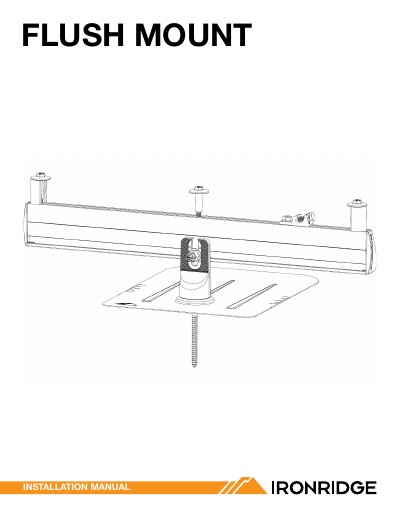
This manual provides detailed instructions for installing the IronRidge Flush Mount solar mounting system. It covers pre-installation checks, tool requirements, torque values, and step-by-step procedures for attaching bases, placing rails, securing lugs, and mounting modules. It also includes sections on expansion joints, electrical diagrams, and compatibility with various solar modules. Safety warnings and compliance with local codes are emphasized throughout.
| Max Overcurrent Protective Device (OCPD) Rating | 25A |
|---|---|
| Max Module Size | 24ft² |
| Module Orientation | Portrait or Landscape |
| Mechanical Load Rating | meets minimum requirements of the standard (10 PSF downward, 5 PSF upward, 5 PSF lateral) |
| Fire Rating | Class A |
Max Module Size: 24ft².
Max Overcurrent Protective Device (OCPD) Rating: 25A.
Grounding Lugs are only needed on one rail per row of modules, unless frameless modules are being used.
Class A rated PV systems can be installed on Class A, B, and C roofs without affecting the roof fire rating.